 4Degrees
@mention in channels and private channels
Any channel where the bot is a member. Public, private, or multi-person DMs. Answers are posted as threaded replies so the original channel stays clean.
Ask 4Degrees about your contacts, deals, and warm intros — then act on what you find without leaving Slack. Almost every write is undoable in one click.
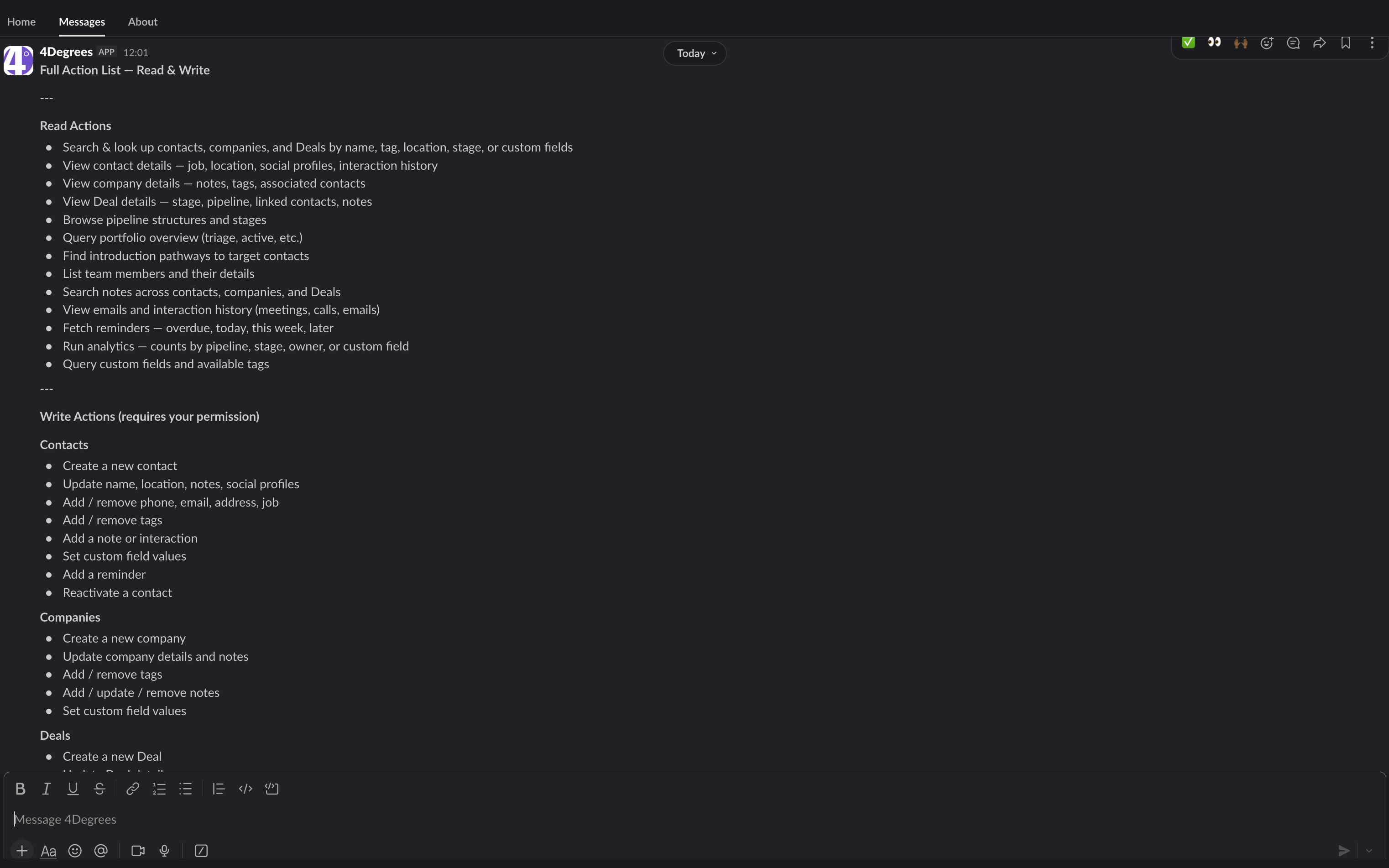
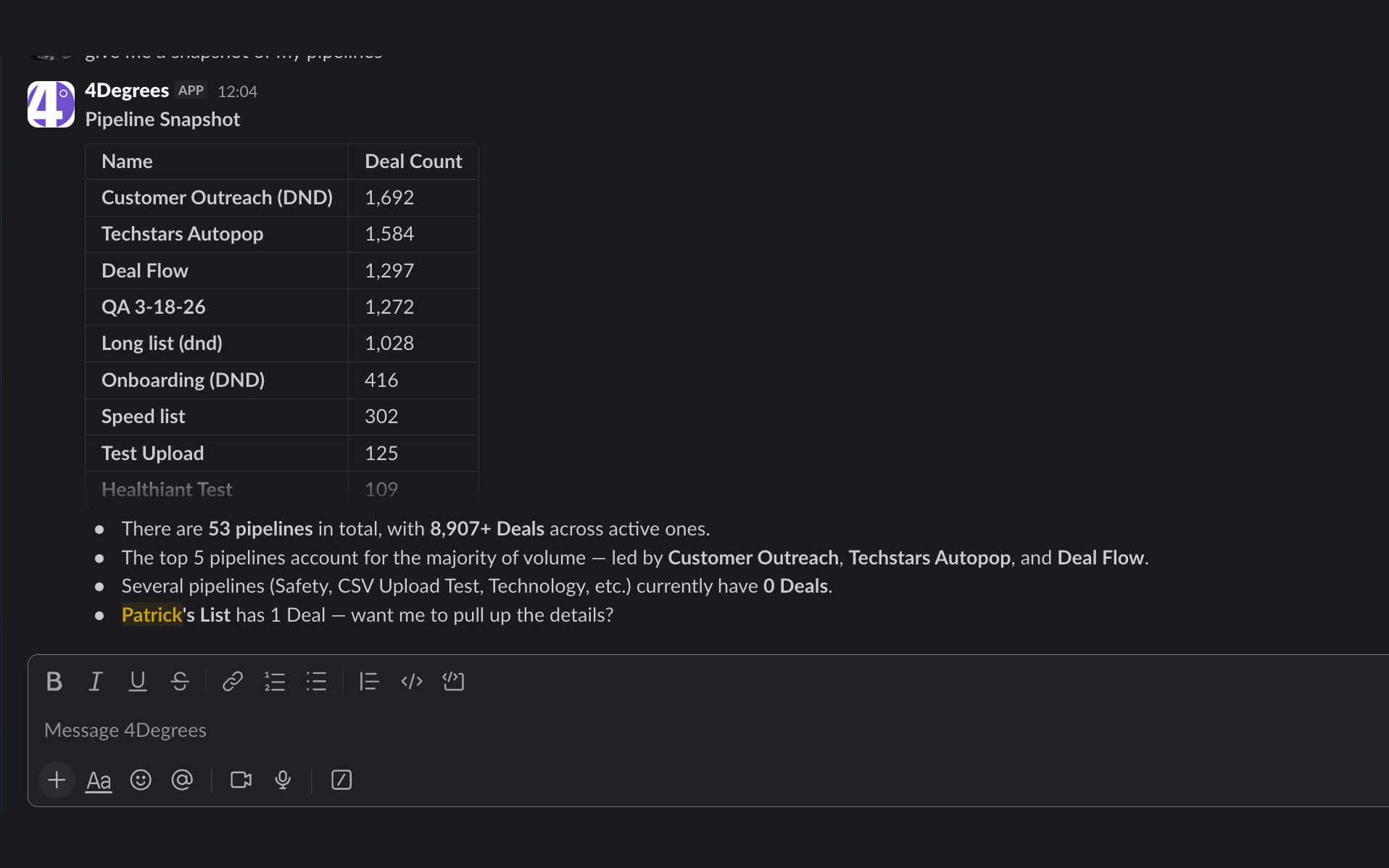
The bot is built around the workflows deal teams already do in Slack — not a generic chat shell with a search bar.
@4Degrees who's at Acme? — the bot replies in-thread with the deal card, contacts, and last activity. No tab switch.
Reply in the same thread — no need to re-mention the bot. Multi-turn conversation, with context preserved.
Right-click any thread → Summarise to 4Degrees. Bot drafts a structured note. Edit, then save to a contact, deal, or company.
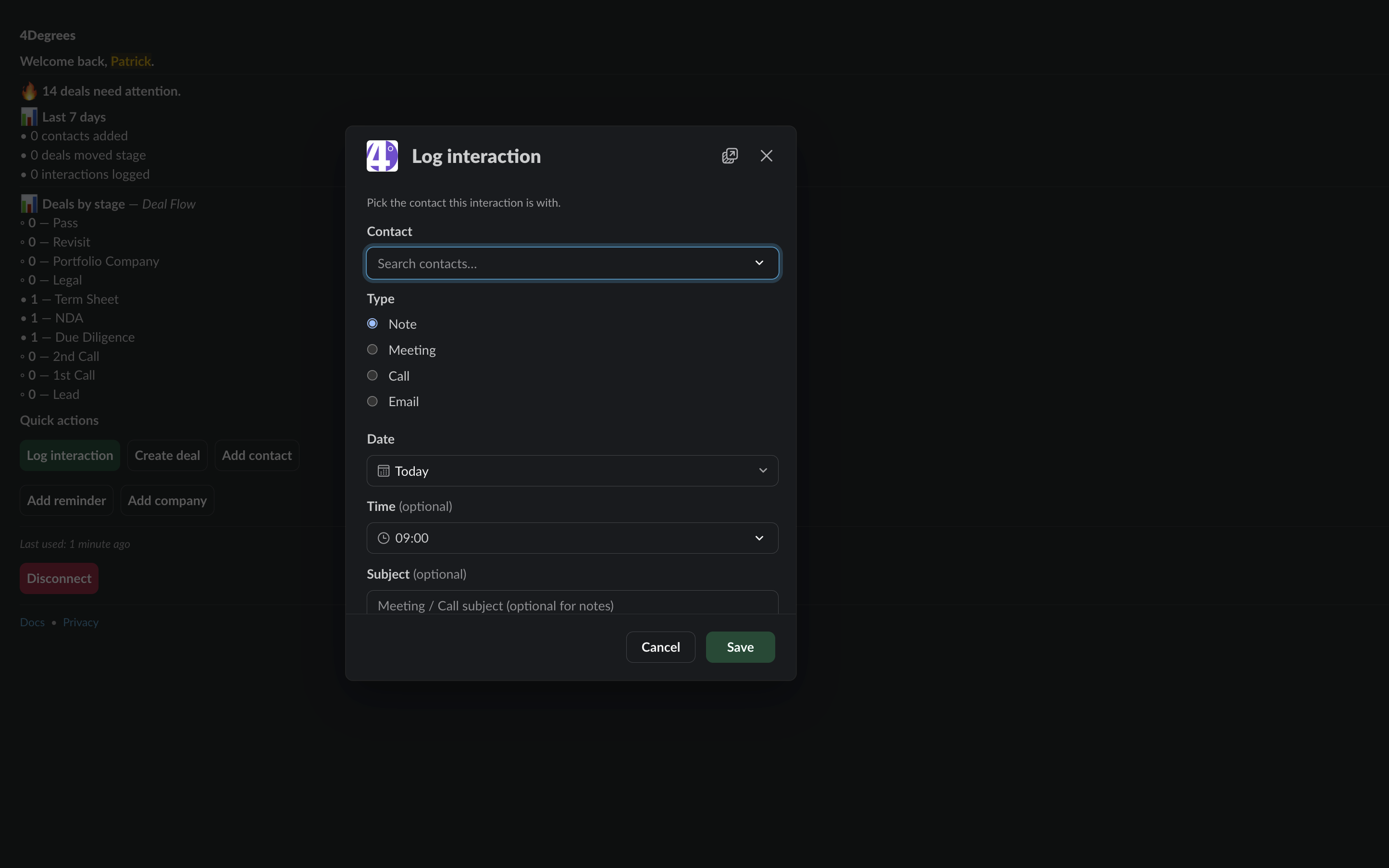
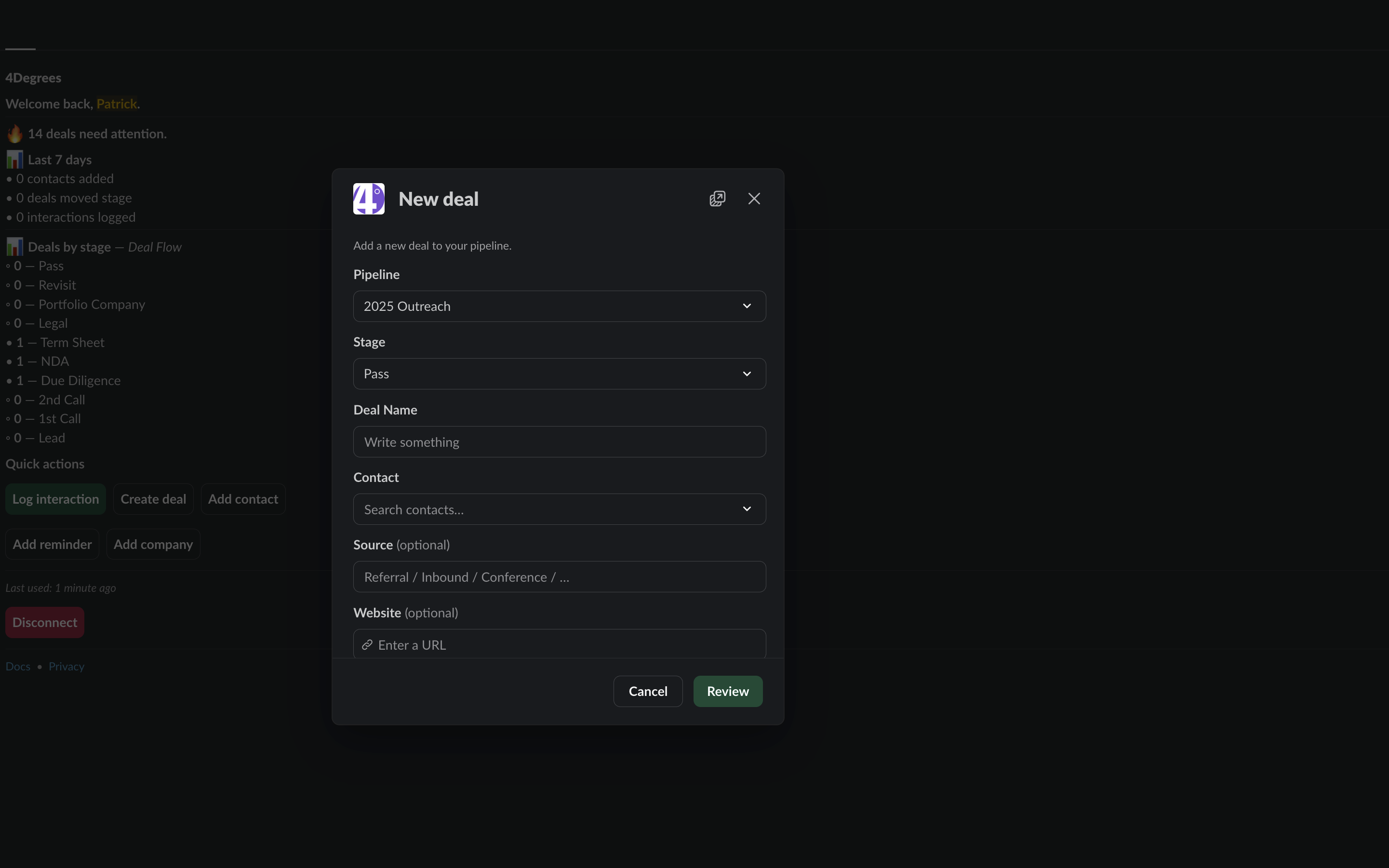
/4degrees opens the launcher: add a contact, create a deal, log an interaction, set a reminder, reassign owner.
Right-click any message → Summarise to 4Degrees. Save the thread — or just that one message — as an interaction on the right contact in seconds.
DM the bot for solo reps — nobody else in the workspace sees the conversation. Same answers, just private.
Two steps. A workspace admin adds 4Degrees once; each teammate links their personal 4Degrees account on first use.
/4degrees.Each teammate links their own Slack identity to their 4Degrees account. The bot only sees what they're entitled to — same permissions as the web app.
The bot can change your CRM, with guardrails. Per-user opt-in, no destructive operations, every action undoable in one click.
First write triggers a polite consent prompt. Approve once; subsequent writes proceed directly. Revoke any time from App Home.
Most confirmations include an Undo button valid for ~5 minutes. The one exception is setting a contact reminder — those aren’t reversible by the bot; cancel contact reminders in the web app. Deal and company reminders are undoable.
The bot can create, update, append, tag, move, reassign. It cannot delete. Updates are PATCH semantics — fields not mentioned stay untouched.
Every write shows up in the standard 4Degrees activity feed with "via Slack" attribution. Admins see exactly what the bot did, when, and on whose behalf.
Built for how deal teams use Slack — not a generic chat shell.
Any channel where the bot is a member. Public, private, or multi-person DMs. Answers are posted as threaded replies so the original channel stays clean.
DM the bot privately. Conversations are scoped to your seat — only you see them. Same answers, no audience.
Open the bot in Slack's dedicated AI pane for longer working sessions. Same identity, longer context window. Great for end-of-week reporting prompts.
The most-loved feature in pilot. After the first @mention starts a thread, subsequent replies in that thread reach the bot automatically — no need to re-mention. The bot keeps thread context across messages.
Right-click any thread → Summarise to 4Degrees. The bot generates a structured note (overview + Key points + Decisions + Next steps). Edit if you want, then save against a contact, deal, or company.
The same Summarise to 4Degrees shortcut works on standalone messages too — the bot logs the single message as an interaction on the right contact. Great for "this message changed the deal" moments.
/4degrees <question> — ask a quick question from anywhere. The answer comes back as an ephemeral message visible only to you.
Type /4degrees with no argument and pick from the launcher: add a contact, create a deal, log an interaction, set a reminder, reassign owner.
Paste any 4degrees.ai URL in a channel and the bot unfurls it with a rich preview. Deal cards, contact summaries, company snapshots — right in the conversation.
👍 and 👎 reactions on bot answers feed back into our prompt evaluation suite. Help us make the bot better, in one click.
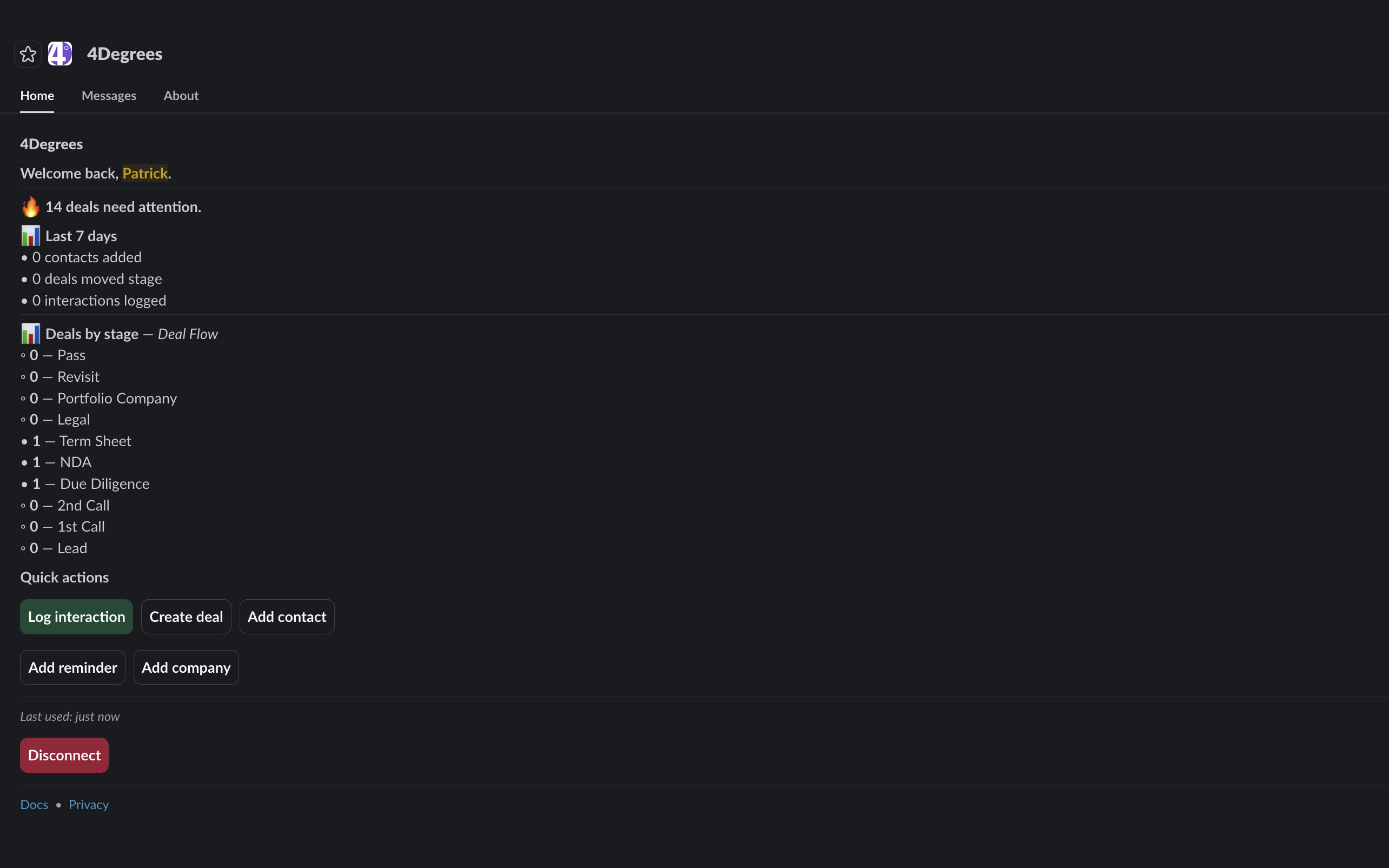
The bot's App Home tab shows your personalized triage view: what needs attention, recent activity, pending reminders, and quick-action buttons.
Every message signed-verified, every token encrypted, every action audited.
Every Slack request is cryptographically verified to confirm it came from Slack before we process it. Tampered or replayed requests are rejected.
Bot tokens are encrypted at rest with a dedicated key. We never log token values, and the encryption key for production is isolated from any other environment.
Admin can uninstall, admin can disable AI Connector firm-wide, user can unlink, user can revoke write consent, Slack can rotate tokens. Each is honored immediately.
Neither Slack content nor CRM data is ever used to train any AI model. We do not share Slack data with third parties beyond the user's chosen AI assistant.
We request the minimum scope set for each feature. Each scope is justified by the user-visible feature it enables.
| Scope | What it enables | Why it's minimum |
|---|---|---|
app_mentions:read | @mention triggers | Required for any @mention to reach the bot. |
channels:history | In-thread follow-ups in public channels | Without it, thread replies after the first @mention fall on the floor. |
groups:history | In-thread follow-ups in private channels | Symmetric with channels:history for private channels. |
groups:read | Private-channel metadata for in-thread flows | Companion to groups:history; required for reliable delivery. |
chat:write | Bot replies | Required for every response. |
chat:write.public | Ephemeral prompts in non-member channels | Lets us nudge unlinked users with a connect prompt instead of failing silently. |
commands | /4degrees slash command | Required to register the slash command. |
im:history & im:write & im:read | DMs with the bot | Required for any DM conversation. |
mpim:history | Group-DM follow-ups | Symmetric with channels:history for multi-person DMs. |
reactions:read | 👍 / 👎 feedback on bot answers | Feeds our prompt evaluation suite. Filtered handler-side to bot-authored messages only. |
reactions:write | Bot acknowledgement reactions | 👀 / ⚠️ reactions on messages we're processing (legacy paths). |
team:read | Workspace name in onboarding UI | Used only for the welcome message. |
users:read | users_select picker for owner reassignment | Required for the picker UI; results are on-demand, not persisted. |
links:read & links:write | 4degrees.ai URL unfurls | Triggered only by URLs matching our unfurl_domain (4degrees.ai). |
No. The bot only sees messages where it's @mentioned, DM'd, included in a thread it's already speaking in, or part of a signed interaction (slash, shortcut, modal). It does not subscribe to general channel traffic, does not auto-summarize threads, and does not auto-create CRM records from messages.
No. They'll get a one-click prompt to connect. We do not return CRM data to anyone who isn't authenticated against 4Degrees.
Almost all of them. Most successful writes post an Undo button beneath the bot's confirmation; clicking it reverses the action (deletes the note, removes the tag, restores the prior owner, etc.). The undo affordance is valid for ~5 minutes. The one exception is setting a contact reminder — those aren’t reversible by the bot; cancel contact reminders in the web app. Deal and company reminders are undoable like every other write.
Your CRM data continues to live in your 4Degrees infrastructure. The bot does not duplicate, cache, or relocate it. We log basic activity records (who acted, when, which endpoint, whether it succeeded) for audit and reliability — we do not log the bodies of messages or bot replies.
Yes. Unlike the ChatGPT integration (which OpenAI restricts in those regions), the Slack integration has no regional restrictions on our end.
Slack itself rate-limits app traffic per-workspace (their published per-method limits apply). On the 4Degrees side we have no fixed cap on Slack message volume — we throttle long-running LLM completions to keep response times under three seconds when possible. If a customer is running scripted use, email support@4degrees.ai.
Two options: (1) uninstall the Slack app from your Slack admin console — immediate; (2) disable the AI Connector toggle in 4Degrees workspace settings — immediate, stops all bot responses without uninstalling the Slack app.
Any plan with AI Connector access. Your firm's administrator can enable it in workspace settings. If the toggle isn't visible, email support@4degrees.ai.
Install in three minutes. Every teammate connects their own seat. Almost every write is undoable in one click.